https://web.dev/explore/progressive-web-apps
I recommend making PWA available for ForumSpark. It makes the service more accessible and easier to use. Plus, you can receive notifications on your smartphone.
Official support and community forum for ForumSpark. Access announcements, troubleshooting, customization help, extension development, theme resources, and platform updates.
https://web.dev/explore/progressive-web-apps
I recommend making PWA available for ForumSpark. It makes the service more accessible and easier to use. Plus, you can receive notifications on your smartphone.
So I'm trying to delete this forum from my board https://sparkpromotion.forumspark.net/forum/in-progress.90029 but when I try to delete it I get the following error
Oops! It looks like something went wrong. Rest assured, our team has been notified of the error.
It worked now. Odd.
Hey Cedric, I noticed that the links in people's profile fields aren't clickable. Could you make it to where these links are clickable? It's more convenient to click on a link rather than copy/pasting it into the browser. I know this is a small suggestion, and probably isn't a priority but I think it would make visiting member's websites easier.
I wanted to build a site and wanted to use my announcement forum as a "news" repository.
I looked at the the API guide, and noticed that the "API tokens" menu link is no longer there. I guess it's being worked on.
So in lieu of that, can we have an XML feed per forum? The admin can toggle it on or off if they want.
Hi everyone!
I've been busy working on ForumSpark and have pushed a bunch of new features and improvements:
Topic Labels:
You can now add coloured labels to topics - great for marking things like [Solved], [Bug], [Suggestion], or anything you like for example General, Tech, Community, Sticky, ... Labels are fully customisable with your own colours and styles, and administrators can control which groups are allowed to assign them.

Labels are also clickable to filter:

File Attachments:
Members can now attach files to their replies. Administrators can enable or disable attachments, set a maximum file size, enable per group, and choose which file types are allowed - all from the Admin Control Panel.

Images will be downsized by a WEBP convertor to save storage up to 70%. Fair warning: when you run an image-heavy community, keep your board storage in mind. Don't panic: We will offer larger storage in the future though.
Welcome PM:
You can now configure an automatic private message that gets sent to every new member when they join your board. Set a sender and write your own welcome message from the ACP - perfect for sharing rules, useful links, or a friendly hello.

Users Online Redesign:
The "Who's Online" page has been completely redesigned. It now detects which device members are browsing from (desktop, mobile, or tablet) and lets you filter the list. Guests are shown separately with a cleaner layout.

IP's are stripped on the picture above.
Theme Safeguard:
An extra layer of protection has been added that validates theme layouts before saving. This prevents a broken layout (e.g. missing the main content region) from being saved and accidentally locking you out of your board.
Other (and earlier patch) improvements:
If you see anything off, let me know. As always, feedback is welcome. Feature requests are encouraged. ^_^
PS: Since json files are now able to be uploaded, it will make the releases of new themes slightly easier while we await the new Theme & Extensions manager.
I've just released our brand new Forum Directory, a much-needed feature to give forums on ForumSpark more visibility.
https://forumspark.net/directory
You can enable your forum and list it in the Directory through your Admin Control Panel. Simply go to the Directory Listing, choose a category (more will be added over time), add your description, and you're done. Make sure to keep your description brief as only 200 characters will show in the Directory.
The Directory automatically grabs a screenshot of your forum in the background. It may take a few hours for your screenshot to appear. If you’ve made significant changes to your forum and want to update your screenshot, there’s a button below the Directory Listing where you can request a new one.
Visitors can easily find forums to join through search or by browsing categories. On the side, you’ll also see sections for Most Active (updated in real time), Trending, and Newest Communities, helping users discover the most dynamic parts of ForumSpark. ;)


I would like a permissions option to choose which groups can view shout box. I would rather only my staff see it on my forum to make it for staff chat only.
Navy Blue Theme
A refined navy blue theme with full light & dark mode support
Demo: https://themes.forumspark.net/

Features
Download the attachment in the post below and go to Themes > Import Theme
https://support.forumspark.net/topics/navy-blue.50125#reply-794
Find the images here:
https://github.com/forumspark/Navy-Blue/tree/main/build
Theme Images
Theme images can be uploaded via Admin CP / Themes / Edit Images.
To change the header logo, edit the theme layout and replace the logo area in the <!-- HEADER --> section with your own image tags:
<img src="LIGHT_LOGO_URL" class="h-8 block dark:hidden" />
<img src="DARK_LOGO_URL" class="h-8 dark:block hidden" />Hi everyone!
Among a better infrastructure for ForumSpark, I have also pushed some improvements and new features:
Achievements (Suggestion by Ravenfreak):
ForumSpark now includes 34 built-in achievements across 5 categories: Posting, Community, Engagement, Milestones, and Special. All achievements are fully configurable, so you can easily change their names or icons if needed. Administrators can also add additional achievements.
Some images:


New Profile Page:
To support the new achievement system, the profile page has been redesigned. The previous layout worked well, but it did not allow achievements and upcoming features to be integrated cleanly.

Bulletins:
Administrators can now display simple notices, announcements, or friendly messages to visitors using the new Bulletins system.


These features are now implemented on your site and ready for use. As always, feedback is welcome.
Enjoy!
PS: For theme designers, there are some new CSS classes, I'll update our docs later this week to include all new classes.
Edited by Cedric out of security.
I've set up a new domain at Namecheap and changed the CNAME on the domain to
Host @ and the value to boards.forumspark.net
Added the domain to domain manager. - Is it boards.forumspark.net or boards.forumspark.net. with a dot?
Hello everyone! I'm Heatman. I'm so excited to become a member of this community. I'm a very proud Manchester United fan. Football is my favourite hobby. I'm looking forward to enjoying my time here.
All you need to edit is the following area:
const subLinks = {
Members: [`<a href="">Test</a>`, `<a href="">Test 2</a>`],
Search: [`<a href="https://www.google.com/">Google</a>`, `<a href="https://www.yahoo.com/">Yahoo</a>`]
};
Members and Search represent the name of the navigation link you want to append a drop-down menu to, and the HTML can be edited to include the links you want to add to the drop-down menu. Repeat a line and edit to add a drop-down menu. Include a comma after every array except for the last one.
Admin CP → Themes → Board Templates → Head
<style>
a.nav-link:hover {
display: inline;
}
a.nav-link:hover ul {
display: flex !important;
flex-direction: column;
position: absolute;
margin-top: .75rem;
margin-left: -1.30rem !important;
}
a.nav-link li.panel {
margin: 0 !important;
border-width: 1px;
}
a.nav-link li.panel:not(:last-child) {
border-bottom-width: 0;
}
a.nav-link a {
font-weight: 400;
display: block;
padding: .75rem 1.25rem;
}
</style>
Admin CP → Themes → Board Templates → Below the board
<script>
const subLinks = {
Members: [`<a href="">Test</a>`, `<a href="">Test 2</a>`],
Search: [`<a href="https://www.google.com/">Google</a>`, `<a href="https://www.yahoo.com/">Yahoo</a>`]
};
const navLinks = document.querySelectorAll('a.nav-link');
if (navLinks) {
const keys = Object.keys(subLinks);
navLinks.forEach(element => {
for (const i of keys) {
if (element.innerText === i) {
const ul = document.createElement('ul');
ul.style.display = 'none';
element.appendChild(ul);
for (const key of subLinks[i]) {
const li = document.createElement('li');
li.className = 'panel';
li.innerHTML = key;
element.querySelector('ul').appendChild(li);
}
}
}
});
}
</script>Name: Horizon
Author: ForumSpark
Version: 1.0.0
Live Preview: https://jamie-test.forumspark.net/set-theme?theme=10.

Installation instructions:
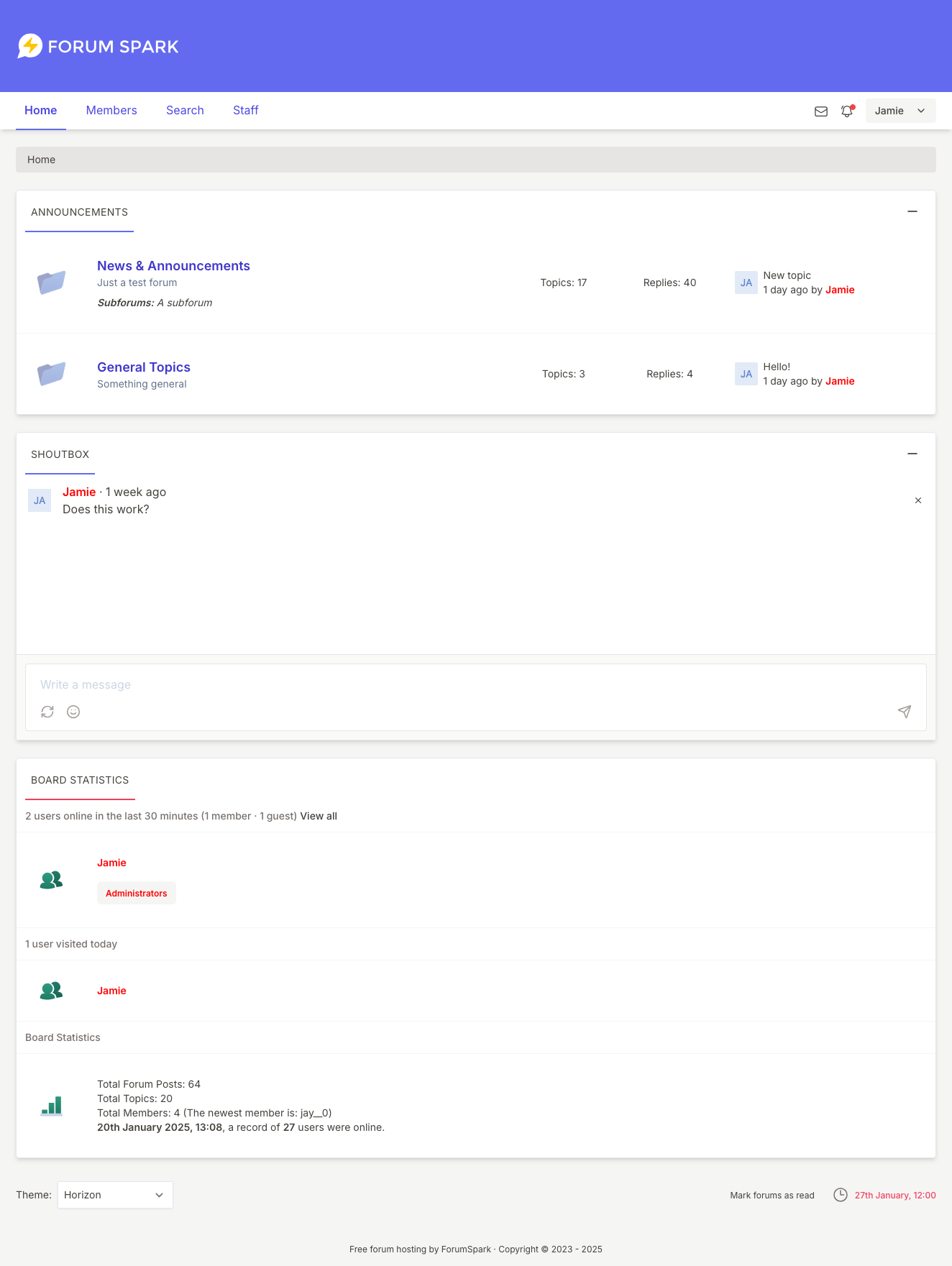
Download the theme.css from here: https://github.com/forumspark/horizon-theme/releases/tag/1.0.0
If you spot any issues with the theme, let me know here and I'll get it updated. I could do with cleaning up some of the source css and tailwind config, perhaps when I do that I will make the primary / secondary colours configurable.
Say for example a member doesn't get an activation email - is there a way to manually activate them or can you make a way so admins can do that on their own boards?
Change the capitalized text as necessary:
const bgImages = ['IMAGE_URL', 'IMAGE_URL', 'IMAGE_URL'];
Admin CP → Themes → Board Templates: Place it where you want the "Change Background Image" link to appear.
<a href="javascript: void(0)" id="bg_changer">Change Background Image</a>
Admin CP → Themes → Board Templates → Below the board
<div id="bg_popout" class="panel" style="display: none; border-width: 1px; position: fixed; width: 500px; height: 200px; top: calc(50% - 100px); left: calc(50% - 250px); padding: 10px">
<a href="javascript: void(0)" id="remove_bgi">Remove Background Image</a>
<span id="close_popout" style="font-size: 15px; font-weight: 700; cursor: pointer; float: right" title="Close">X</span>
<div id="bg_images" style="display: flex; justify-content: space-between; padding-top: 25px; max-width: 480px; overflow: auto; margin: 0 auto"></div>
</div>
<script>
const bgImages = ['IMAGE_URL', 'IMAGE_URL', 'IMAGE_URL'];
for (const i of bgImages) {
const img = document.createElement('img');
img.src = i;
img.alt = 'BG Image';
img.style.cursor = 'pointer';
img.width = '150';
img.height = '150';
document.querySelector('#bg_images').appendChild(img);
}
document.querySelector('#bg_changer').addEventListener('click', function() {
document.querySelector('#bg_popout').style.display = 'block';
});
document.querySelector('#close_popout').addEventListener('click', function() {
document.querySelector('#bg_popout').style.display = 'none';
});
document.querySelector('#remove_bgi').addEventListener('click', function() {
localStorage.removeItem('background-image');
document.querySelector('#bg_popout').style.display = 'none';
document.body.style.backgroundImage = 'none';
});
const imgs = document.querySelectorAll('#bg_images img');
imgs.forEach(element => {
element.addEventListener('click', function() {
localStorage.setItem('background-image', element.src);
document.querySelector('#bg_popout').style.display = 'none';
document.body.style.backgroundImage = 'url(' + element.src + ')';
document.body.style.backgroundSize = 'cover';
document.body.style.backgroundAttachment = 'fixed';
});
});
if (localStorage.getItem('background-image').includes('http')) {
document.body.style.backgroundImage = 'url(' + localStorage.getItem('background-image') + ')';
document.body.style.backgroundSize = 'cover';
document.body.style.backgroundAttachment = 'fixed';
} else {
document.body.backgroundImage = 'none';
}
</script>Name: Catppuccin Mocha
Author: Jamie
Version: 1.0.0
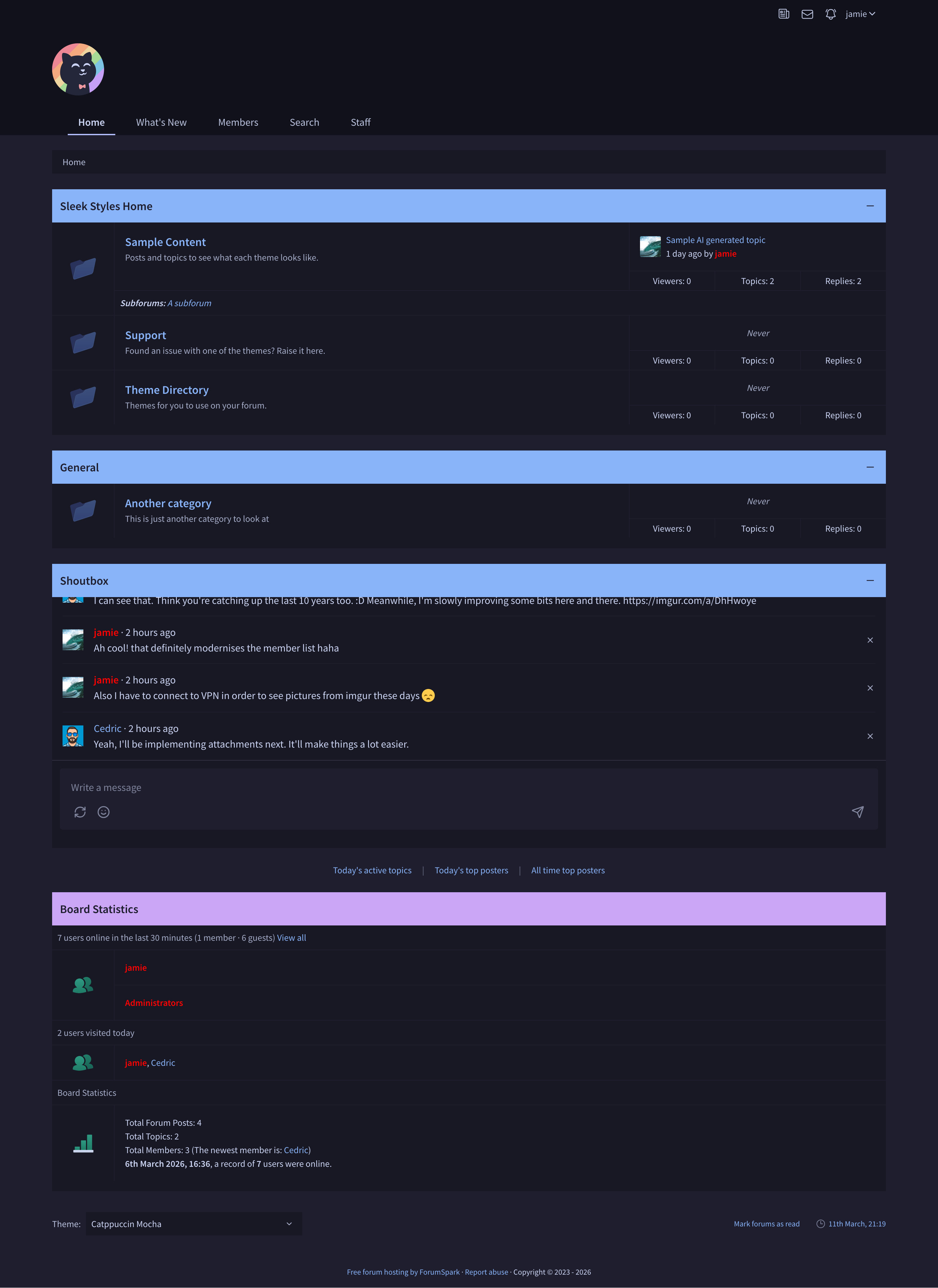
One of the newer themes, heavily influenced by the https://catppuccin.com/ colour palette. Whether you can say its truly catppuccin I don't know, I didn't really look over their style guide ;P Essentially a recolour of the Nord one I released earlier, structure-wise its very similar anyway. As with the other theme, feel like Im chasing my tail a bit until I can get a proper checklist together, so if you find anything I've missed, ping me and I'll update.

Import the JSON as a new theme and update the settings so that it doesnt inherit from the default theme.
The top three variables are all you need to modify.
Admin CP → Themes → Board Templates → Below the board
<script>
const newTitle = 'My Title';
const newImage = 'https://cory.forumspark.net/users.svg';
const newContent = `My Content`;
const html = `<div class="panel__sub-header">${newTitle}</div><div class="forum"><div class="forum__marker"><img src="${newImage}" alt=""></div><div class="stats">${newContent}</div></div>`;
const boardStats = document.querySelector('div.panel--board-stats');
if (boardStats) {
const statsPanel = document.querySelector('div.panel--board-stats div.panel__content--flush');
statsPanel.insertAdjacentHTML('beforeend', html);
}
</script>Name: Mulberry Grove
Author: Jamie
Version: 1.0.0
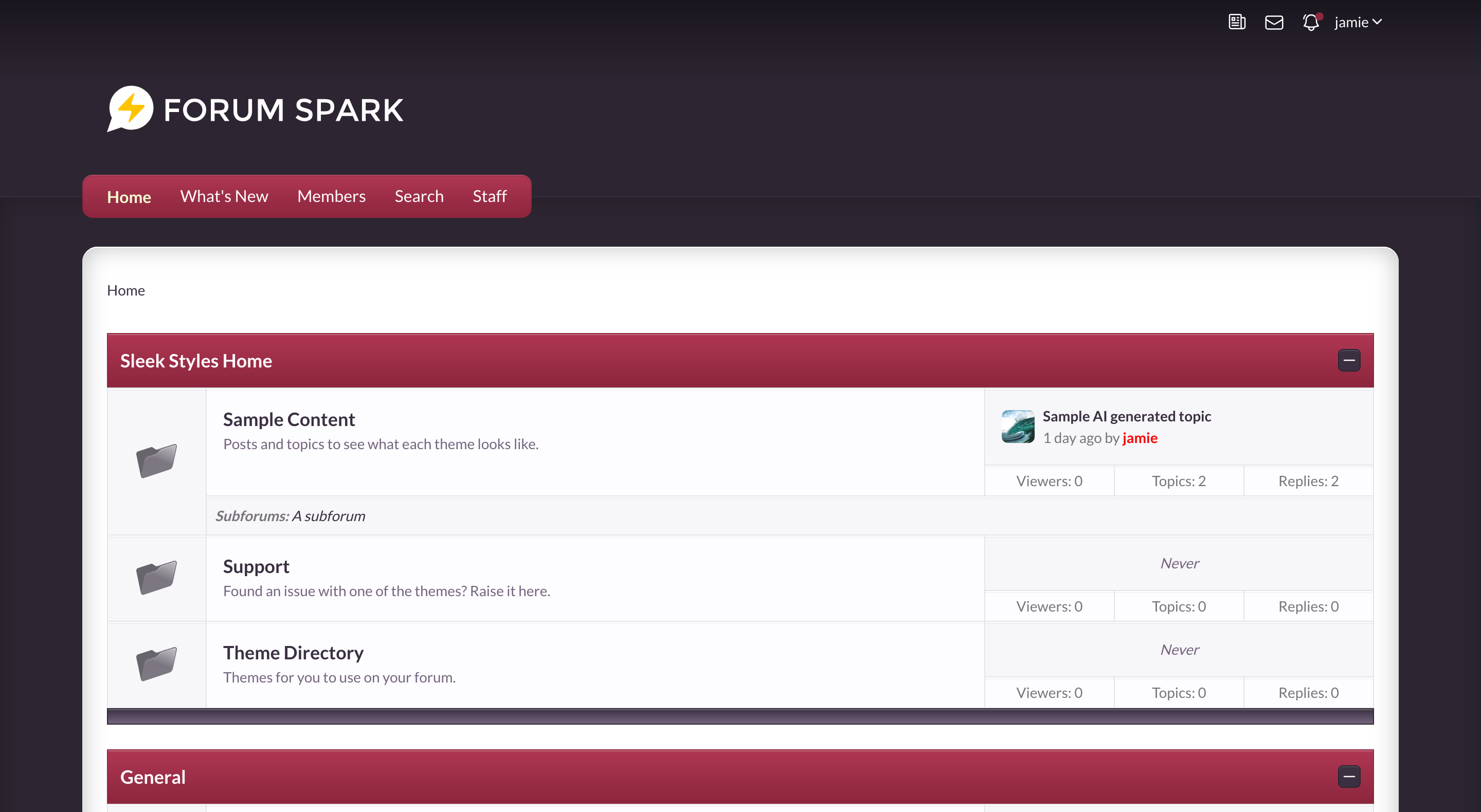
A theme I designed a while ago while building out the theme editor for ForumSpark. It's definitely one of the more "nostalgic" style themes on my list at the minute. I'm running in circles looking for things I've missed so I figured I'd share it and if you spot anything then let me know!

Import the JSON as a new theme and update the settings so that it doesnt inherit from the default theme.
There are a couple of icons to go with it:
Thats as far as I got with them though.
It would be cool if we could set up certain topic labels to only be used by certain groups. Say for example a Read Me one that you only want staff to be able to set up.
Hey all, Smokey here! I been keeping an eye on forumspark for awhile now. It's looking really good these days! Reminds me of ZetaBoards so i'm loving the feel of it. :-)
Not sure what sort of project i'll put on here but i'm sure i'll think of something :-)
It was a bit long overdue, and since we've added some new features recently, those are now included as well. So I've expanded our documentation significantly - covering areas that were previously undocumented or only partially covered.
Updating documentation isn't fun, so anyone who says it is… is probably lying. ;P
Admin Guide - new pages added:
User Guide - now much more complete:
Developer Docs - rewritten and expanded:
You can browse everything here: https://docs.forumspark.net
The API reference at https://forumspark.net/api remains your go-to for endpoint details - the new developer guides complement it with practical walkthroughs and examples.
As always, if anything is unclear or you'd like to see something covered in more detail, just let me know and I'll get it added. ^_^
When a new forum board is created you have to go to the settings page and click submit at the bottom before SSO works. I've noticed this on two forums so far. Mine and someone else's.
Admin CP → Themes → Board Templates → Below the board
<script>
const usernameLink = document.querySelector('div.stats a.username');
if (usernameLink && sessionStorage.getItem('statsName') !== usernameLink.innerText) {
fetch(usernameLink.getAttribute('href'))
.then(response => {
return response.text();
})
.then(html => {
sessionStorage.setItem('statsName', usernameLink.innerText);
const parser = new DOMParser();
const doc = parser.parseFromString(html, 'text/html');
const imageURL = doc.querySelector('div.profile-identity__avatar img').getAttribute('src');
sessionStorage.setItem('statsAvatar', imageURL);
const avatar = document.createElement('img');
avatar.src = imageURL;
avatar.width = '25';
avatar.height = '25';
avatar.style.display = 'inline-block';
avatar.alt = 'User Avatar';
usernameLink.prepend(avatar);
});
} else {
const avatar = document.createElement('img');
avatar.src = sessionStorage.getItem('statsAvatar');
avatar.width = '25';
avatar.height = '25';
avatar.style.display = 'inline-block';
avatar.alt = 'User Avatar';
usernameLink.prepend(avatar);
}
</script>Change the capitalized text as necessary.
Admin CP → Themes → Board Templates → Below the board
<script>
const forumID = [FORUM_ID, FORUM_ID];
const newForumMarker = ['IMAGE_URL', 'IMAGE_URL'];
const forum = document.querySelector('div[id^="forum-"]');
if (forum) {
for (let i = 0; i < forumID.length; i++) {
document.querySelector('#forum-' + forumID[i] + ' img[class^="forum__marker"]').setAttribute('src', newForumMarker[i]);
}
}
</script>