

AutoMod
Some moderation is so predictable a robot should do it, so AutoMod is that robot. It watches for new topics in forums you choose and applies your standing decisions instantly, at any hour, without a moderator awake.
yourboard.forumspark.net/admin/automods
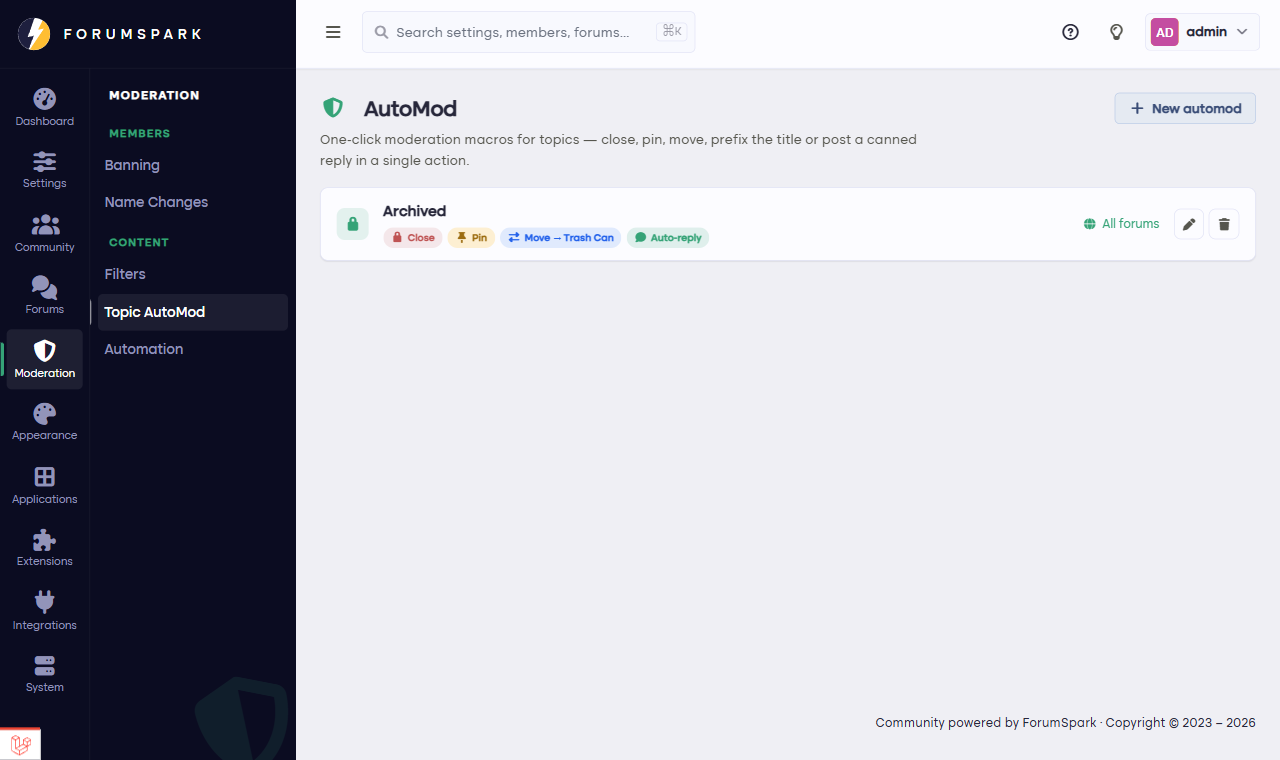
Community, then Topic AutoMod.
What a rule can do
An AutoMod rule fires when a new topic appears in its forums, and can do any mix of:
Add a title prefix, like [Support] or [Application], so lists stay scannable without asking members to remember conventions.
Post an automatic reply: the "thanks, here's what happens next" message, the checklist reminder, the link to the rules. Written once by you, delivered every time.
Pin the topic, for forums where each new entry should surface at the top.
Close the topic, for announcement-style forums where topics are posted to be read, not debated.
Rules attach to specific forums, or run board-wide when a convention should hold everywhere.
The auto-reply is the sleeper hit. A support forum where every new topic instantly receives "We've seen this, here's what to include if you haven't" feels staffed around the clock, even when the staff is one person asleep in another timezone.