

Reactions
Reactions are the one-tap feelings under every post: the like, the laugh, the heart, whatever set fits your community. They're the lowest-effort participation your board has, and lurkers who react today post tomorrow.
yourboard.forumspark.net/admin/reactions
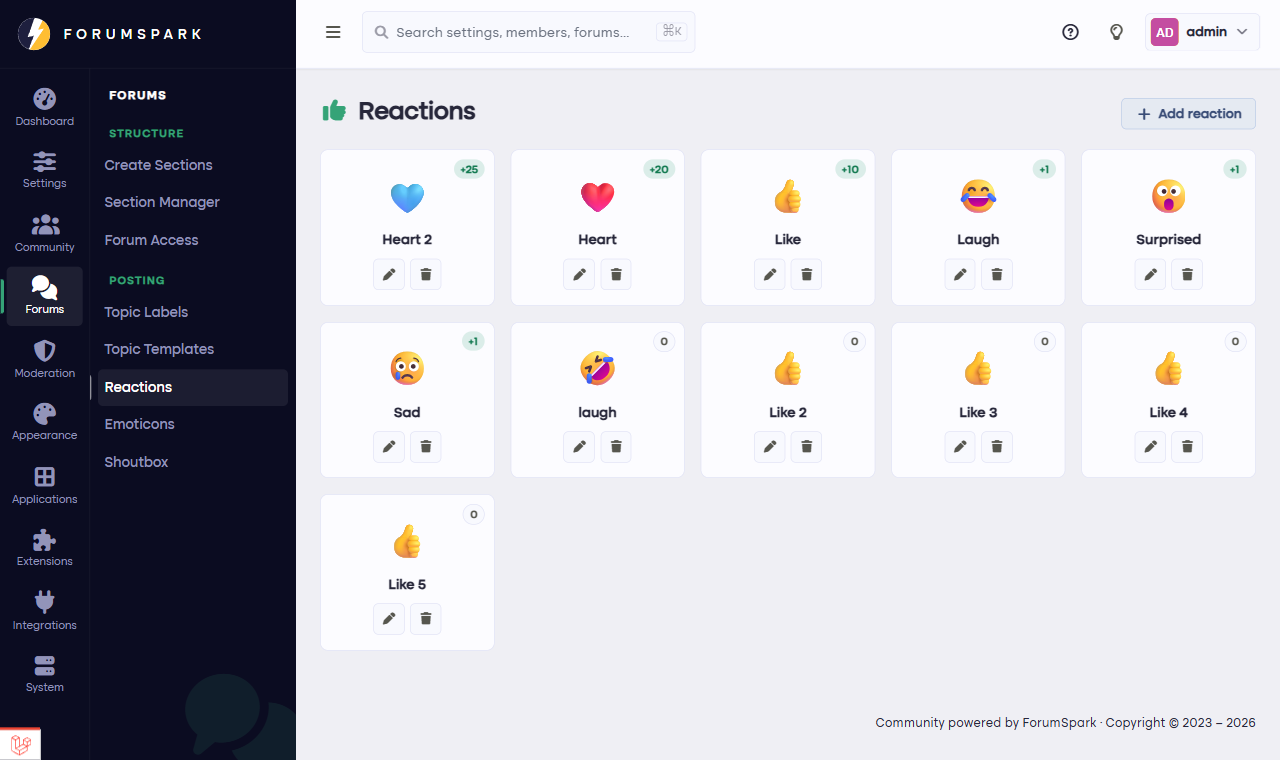
Configuration, then Reactions: your board's reaction set.
Curating your set
In Configuration, then Reactions you decide which reactions exist, each with its name and image, and the order they appear in the picker. The set is fully yours: keep it to a classic like-heart-laugh trio, or build something community-specific with your own images.
Reactions and reputation
Reactions feed the member's reputation, the number that shows on profiles and post rails as a rough measure of how much the community appreciates them. That's worth remembering when designing your set: a board where the negative reaction outnumbers the positive ones gets the culture it built.
Small sets get used more. Six reactions everyone understands produce more engagement than eighteen shades of ambiguity, and the picker stays quick on phones.