

Header and footer HTML
Board Templates, under Appearance, then Board Templates, is the old-school power tool: four slots where you can inject your own HTML into every page of the board. It predates the fancier studios and still earns its keep for a few jobs nothing else does.
yourboard.forumspark.net/admin/board-templates
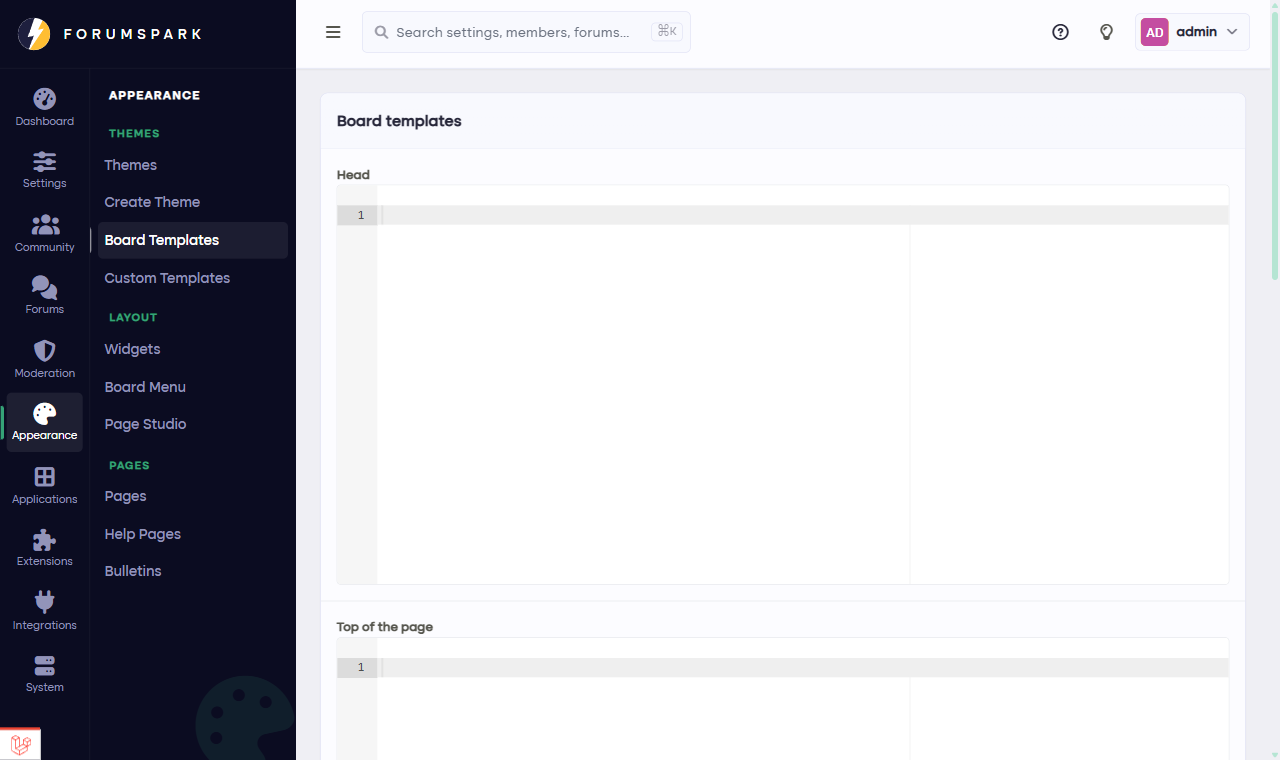
Four slots, four places on every page.
The four slots
Head goes inside the page's head section. This is where verification tags for external services and custom font links live.
Top of page renders above everything, before the board header. Site-wide notices, or a custom bar of your own.
Above the board sits between the header and the forum content. A banner spot, essentially.
After the board renders below the forum content, above the footer. Badges, ring links, whatever your community's tradition puts at the bottom.
When to use which tool
ForumSpark now has more specific tools for most jobs: announcements want Bulletins (they schedule and dismiss), sidebar content wants widgets, design changes want Theme Studio or Custom Templates, and whole pages want Page Studio. Reach for Board Templates when you specifically need raw HTML on every page in one of these four fixed positions.
Keep whatever you put here small and boring. It renders on every single page view, and it's the one place where a heavy embed can slow your whole board down.