

Social login
Every field you remove from registration adds members. Social login removes all of them: one click on a Discord, Google, Facebook or GitHub button and a visitor is in, no new password invented and instantly forgotten.
yourboard.forumspark.net/admin/social-providers
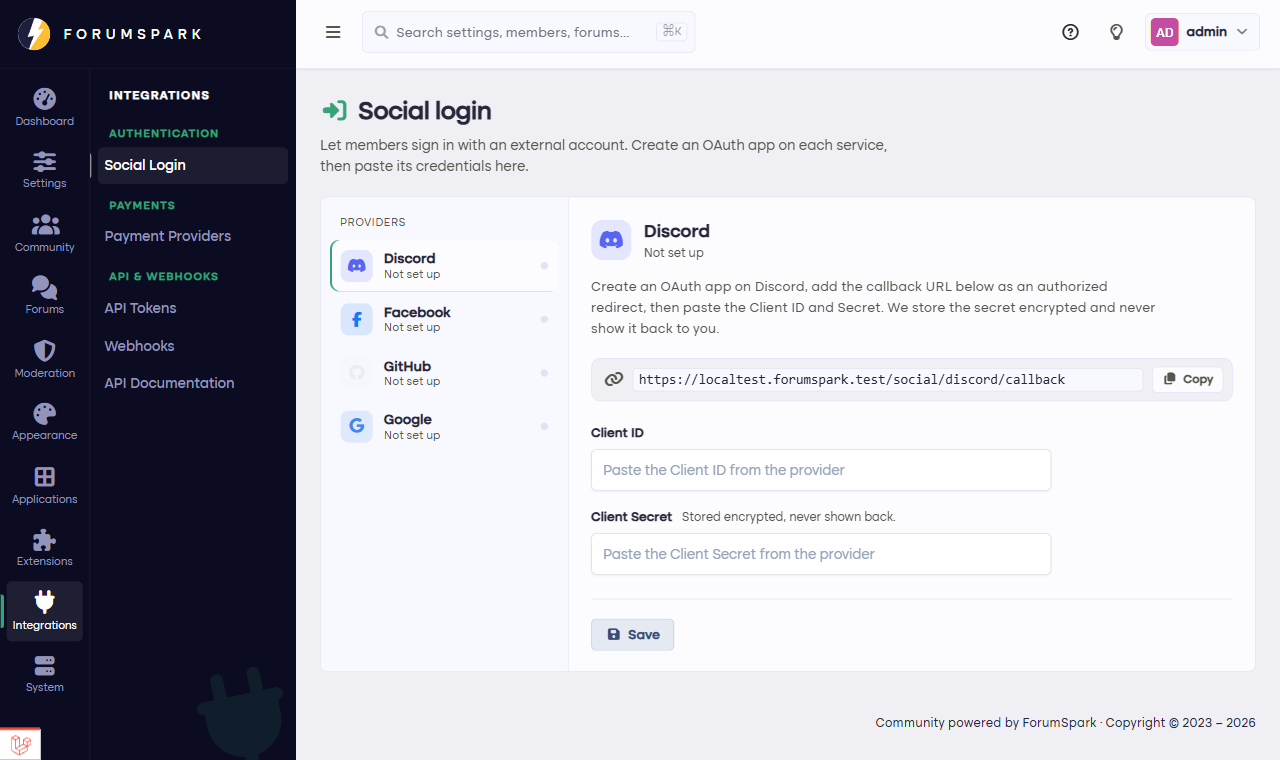
Community, then Social Login: one card per provider.
Setting up a provider
Each provider needs a small one-time setup: you create an application on their developer site (the page links you to the right place), copy the two keys it gives you into Community, then Social Login, and enable the provider. From then on its button appears on your login and registration pages.
Pick the providers your community actually lives on. A gaming board wants Discord above all; an open source project wants GitHub; most general communities do well with Google plus one. Every extra button adds choice paralysis, not conversions.
How accounts connect
A member who arrives through social login gets a normal board account, with the provider attached as its login method. Existing members can link providers to their account too, so the password crowd and the one-click crowd end up in the same place: your member list.
And there's a third door worth knowing about, the ForumSpark account, which gets its own guide next: it signs members in across every ForumSpark board with one identity.