

The board menu
The menu is your board's main navigation, the row of links at the top of every page. Out of the box it covers the essentials, and in Appearance, then Board Menu you decide what else belongs there.
yourboard.forumspark.net/admin/menu-items
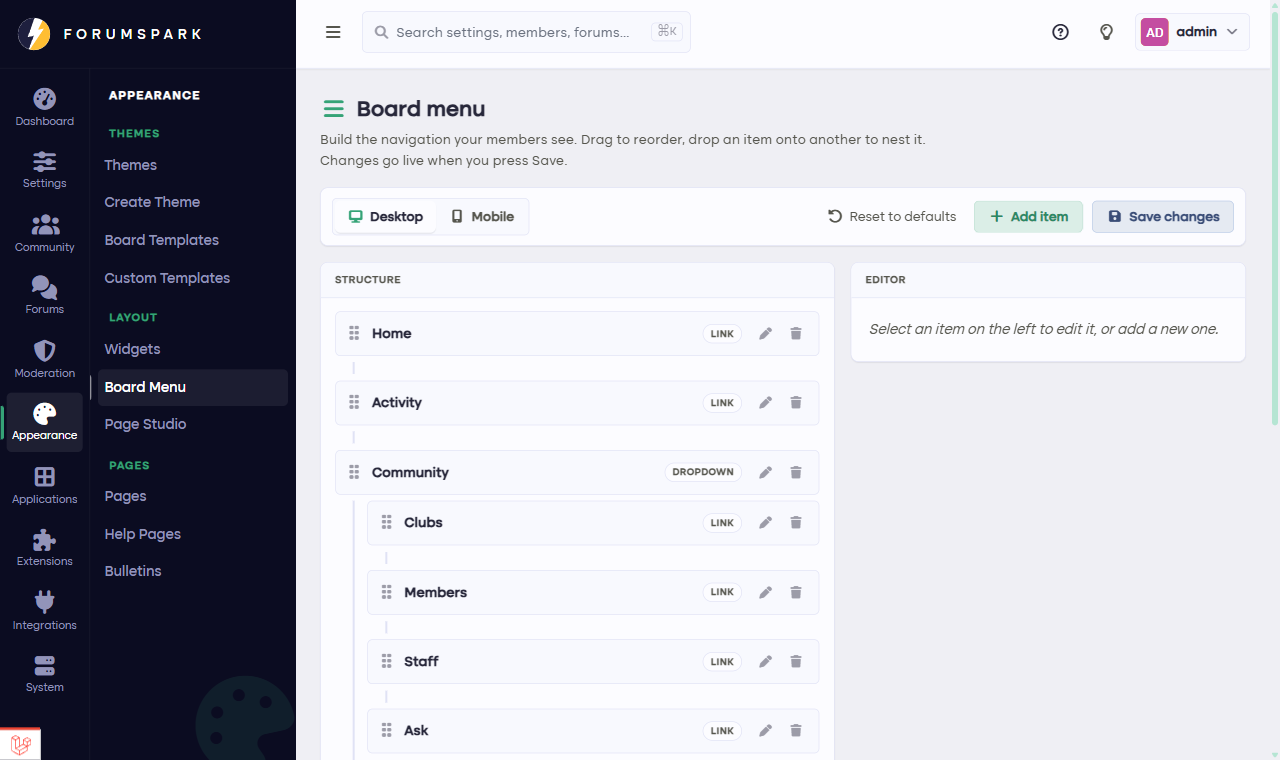
Appearance, then Board Menu: every item, in order.
What a menu item can be
Board features, like the member list, the gallery or the clubs directory. These come with a nice bonus: if you ever disable the feature behind a menu item, the item hides itself automatically. No dead links.
Your own pages, built with Page Studio or as classic custom pages.
External links, pointing anywhere: your Discord, a wiki, a shop outside the board.
Arranging it
Items are reordered right on the page, and each one can be renamed so the menu speaks your community's language: "The Tavern" works just as well as "Forums" if that's your board's style. Keep the row short; five to seven items is where menus stay readable, especially on phones where space gets tight.
If your board is the community's whole website (a Page Studio homepage, a blog, the forum behind it), the menu is what ties it together. Lead with what visitors want most, and keep the forum one click away everywhere.