

Emoticons
Emoticons are your board's own emoji: the custom smilies members drop into posts and the shoutbox. Standard emoji work everywhere out of the box; custom emoticons are how your community gets ones that are nobody else's.
yourboard.forumspark.net/admin/emoticons
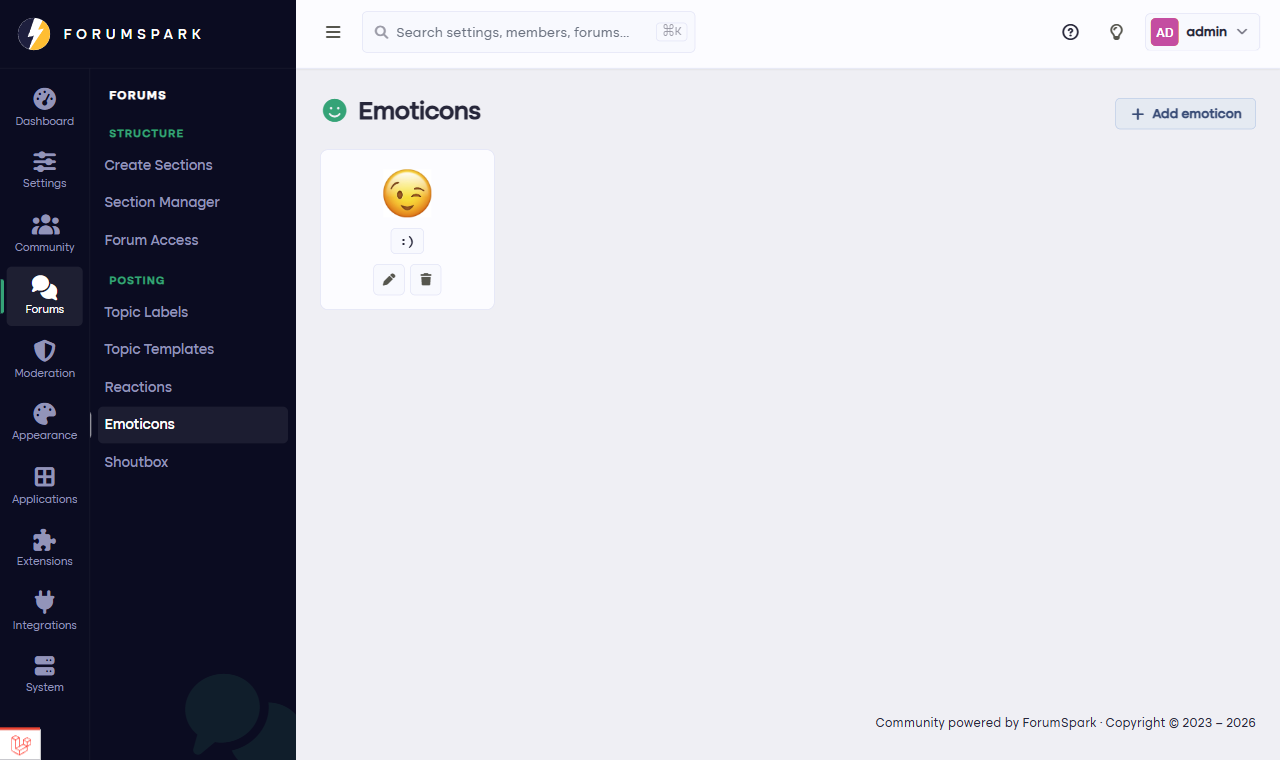
Configuration, then Emoticons.
Adding your own
Each emoticon is an image plus the code that summons it. Drag an image straight into the manager (or link one by URL), set the code, and it joins the picker in the editor for everyone. Inside jokes, the mascot's expressions, your Discord server's beloved emotes brought home; this is where communities get their flavor.
Square images at small sizes work best; an emoticon spends its life at text height. If it isn't readable at the size of a word, it'll be used once and forgotten.
A culture tool disguised as a toy
It sounds cosmetic, but a set of house emoticons does real community work: new members learn them like slang, veterans feel ownership, and posts on your board become recognizably from your board when screenshotted elsewhere. Cheap magic.