

Bulk email
Sometimes the news has to leave the board: the migration announcement, the big event, the "we miss you" to members who drifted. Bulk email sends a message to your members' inboxes, from Community, then Bulk Email.
yourboard.forumspark.net/admin/bulk-email
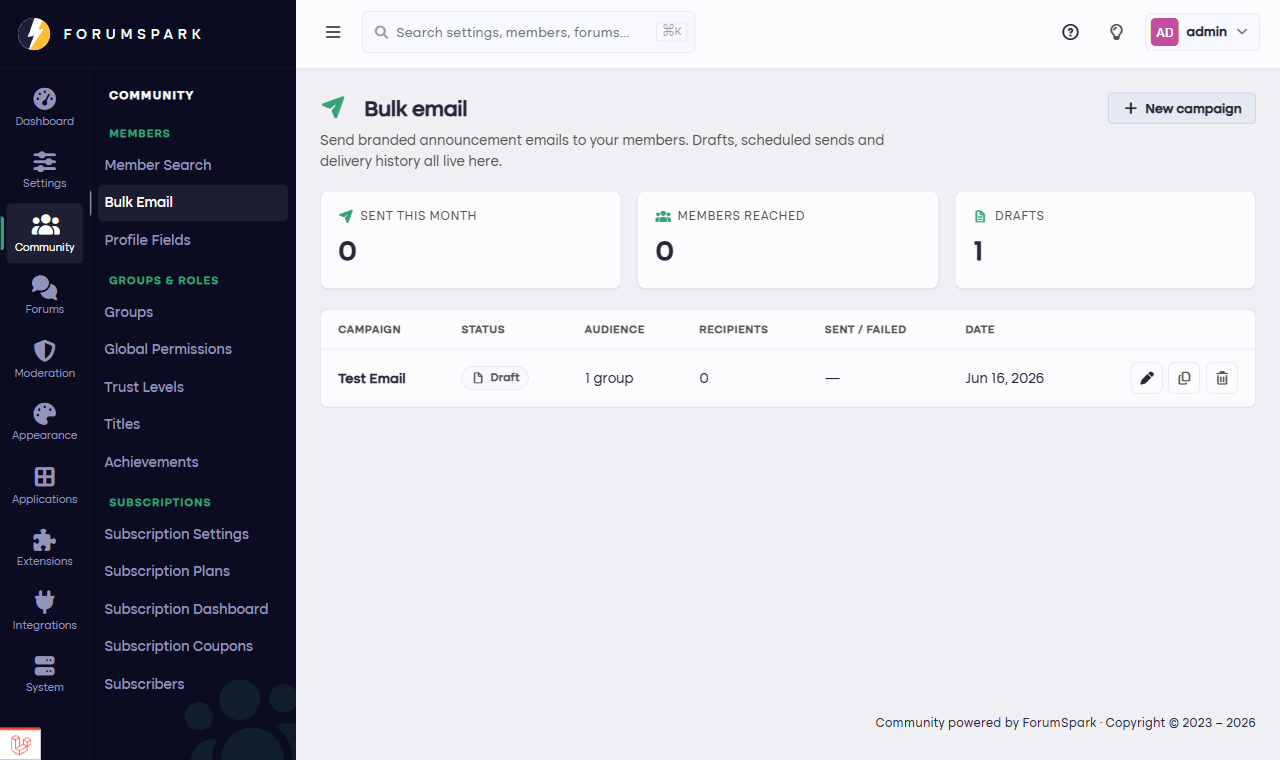
Write once, reach every inbox.
Sending well
Write the email: subject and body, in the editor. Keep the subject honest and specific; "Summer tournament signups open" outperforms "Big news!" every time.
Check the audience the page shows you before sending. This goes to real inboxes; there's no unsend.
Send, and let the board handle delivery in the background.
Use it like a rare instrument
Email is your highest-power channel precisely because members see so little of it. A community that emails twice a year gets everything opened; one that emails weekly trains its members to archive on sight. For routine news, bulletins and push notifications carry the load; email is for the things that would be wrong to miss.
Boards on paid plans get bulk email, and every email your board sends can carry your own banner (set in Configuration, then Settings, under Identity) so even the inbox looks like your community.